

Description
Important Product Information
McAfee Compatibility & System Requirements
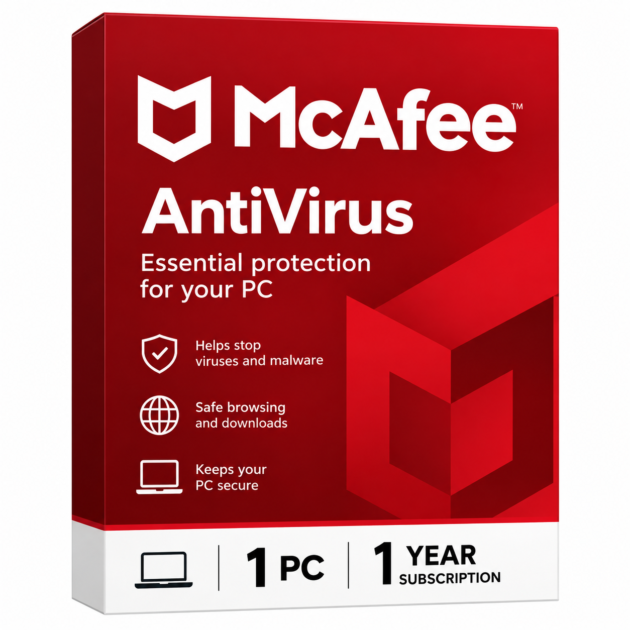
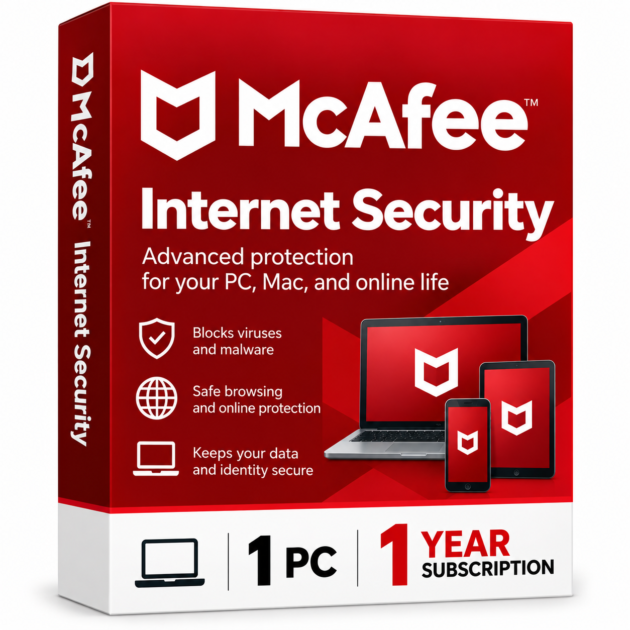
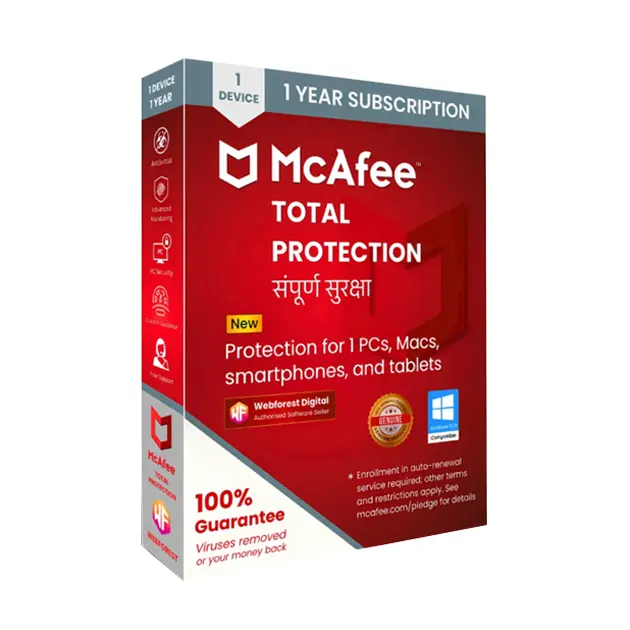
McAfee Antivirus is designed to provide reliable protection for your PC. Please review the following compatibility information before purchasing:
- This product is compatible with Windows 10 and above.
- This product is not compatible with Apple Mac products.
- Windows 7, Windows 8, and Windows 8.1 are no longer supported by McAfee.
- Antivirus software running on unsupported operating systems may offer limited features and may not provide complete protection.
We strongly recommend upgrading your PC to the latest supported operating system to enjoy better security, performance, and protection.
Email Delivery Instructions
Before Placing Your Order
Please make sure your email address is registered in your account before placing your order.
How to check your email address:
- Go to Your Account.
- Click on Login & Security.
- Select E-mail.
- Make sure your email address is added and correct.
- Place your order after confirming your email address.
Important: If your email address is not registered before placing the order, adding it after the order may not work for delivery.
1. Order Delivery
- Your McAfee activation code and download instructions will be delivered within 30 Min Max..
- Please check your registered email inbox.
- Also check your Spam, Promotions, and Junk folders.
2. If Your Email Address Was Not Registered
If your email address was not registered before ordering, or you added it after placing the order, your activation code and download instructions may also be available in your account’s Message Center.
How to find your activation code:
- Go to Your Account.
- Open Message Centre.
- Click on BuyerSeller Messages.
- Look for the message containing your activation code and download instructions.
The email is automatically sent, so it cannot be manually resent.
Important: If your app shows a “Delivery is running late” notification, please ignore it. It may be an app error.
If you still cannot find your activation code, please contact Gigamart Store Customer Support for assistance.
3. Delivery Status Information
If your order shows “Shipped Today”, it means your digital product has been delivered.
Please ignore the following notifications if they appear incorrectly:
- Out for delivery
- Running late
- Arriving tomorrow
These notifications may be caused by an app error and do not necessarily indicate a problem with your digital product delivery.
Customer Support
If you face any issue with your McAfee activation code, email delivery, or download instructions, please contact Gigamart Store Customer Support.
Our support team will guide you through the process and help resolve your issue.
Support Hours: Monday to Friday, 11:00 AM to 7:00 PM.
Thank you for choosing Gigamart Store for your digital software needs.