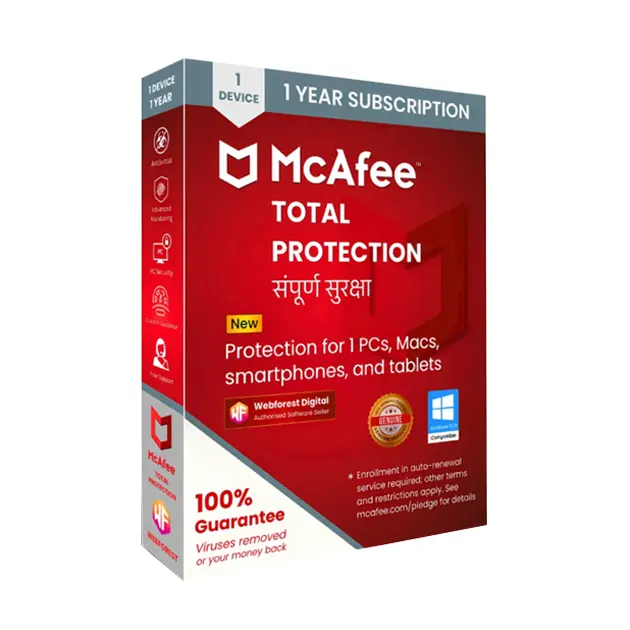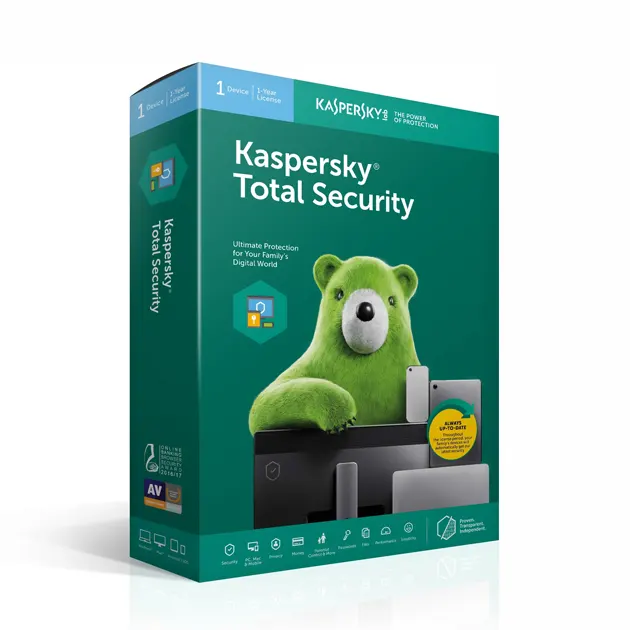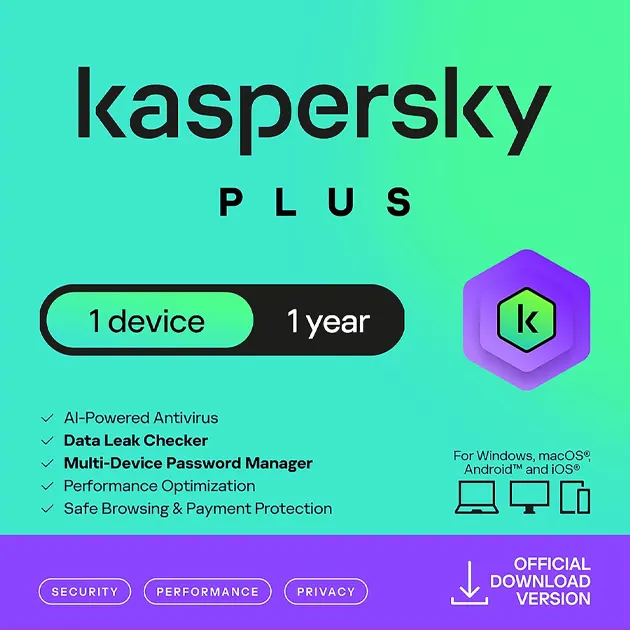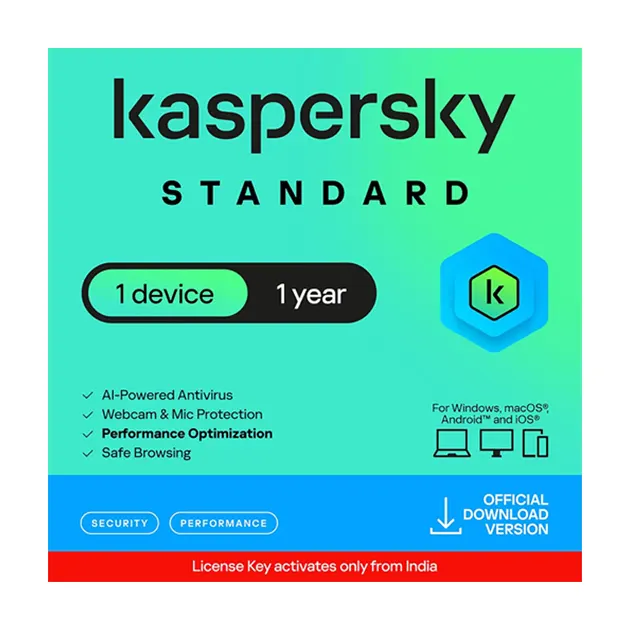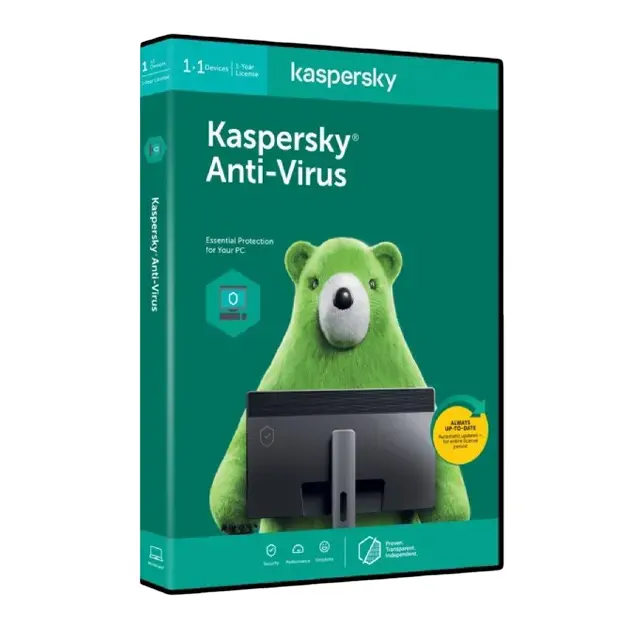

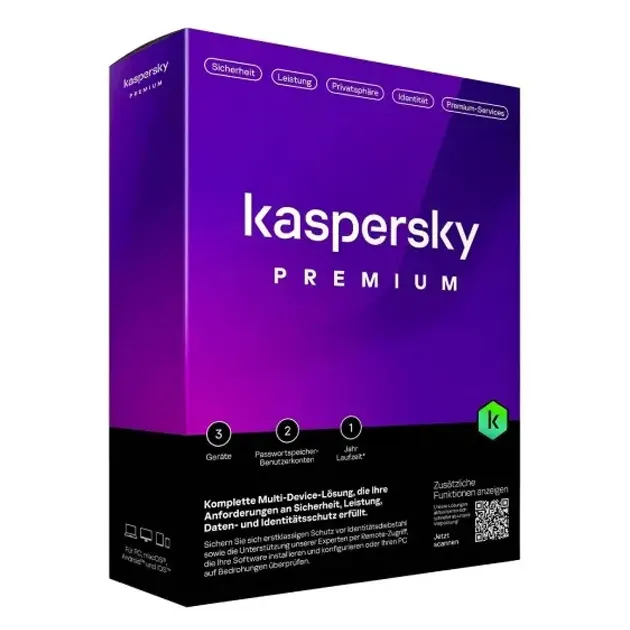


Kaspersky Premium

Starting Price:
Original price was: ₹599.00.Current price is: ₹399.00.Excl. GST 33% OFF

Adipiscing elit, sed do eiusmod tempor incididunt ut labore et
dolore magna aliqua.

Delivery mode : Instant Delivery via Email

Availability : In stock

20,000+ HAPPY CUSTOMERS

Guarantee safe & secure checkout

Important Product Information

Kaspersky Compatibility & System Requirements Kaspersky security products are designed to provide reliable protection against viruses, malware, ransomware, phishing, and other online threats. Kaspersky offers different security products and plans with different features and supported platforms. Please review the following compatibility information before purchasing:
  • Kaspersky products support Windows operating systems, with supported versions depending on the specific product and plan.
  • Supported Windows versions may include Windows 11, Windows 10, Windows 8.1, Windows 8, and Windows 7 SP1 or higher, depending on the Kaspersky product.
  • Kaspersky products are also available for macOS, Android, and iOS, depending on the specific product or subscription.
  • Kaspersky also supports selected Linux distributions for applicable products and plans.
  • For applicable Windows products, Kaspersky lists a minimum of 1 GB RAM for 32-bit systems or 2 GB RAM for 64-bit systems, along with approximately 2.3 GB or more of available hard disk space depending on the product.
  • A working internet connection is required for product activation, updates, and access to certain features.
  • A My Kaspersky account is required for applicable Kaspersky plans and services.
  • Kaspersky does not support beta or preview versions of new operating systems. Only officially released operating systems are supported.
Important: System requirements, supported operating systems, available features, and device compatibility can vary depending on the specific Kaspersky product, edition, subscription, and software version. Please check the individual product details before purchasing to ensure compatibility with your device.

Email Delivery Instructions

Before Placing Your Order
Please make sure your email address is registered in your account before placing your order. How to check your email address:
  1. Go to Your Account.
  2. Click on Login & Security.
  3. Select E-mail.
  4. Make sure your email address is added and correct.
  5. Place your order after confirming your email address.
Important: If your email address is not registered before placing the order, adding it after the order may not work for delivery.

1. Order Delivery

  • Your Kaspersky activation information and download instructions will be delivered within 30 Min Max.
  • Please check your registered email inbox.
  • Also check your Spam, Promotions, and Junk folders.

2. If Your Email Address Was Not Registered

If your email address was not registered before ordering, or you added it after placing the order, your activation information and download instructions may also be available in your account’s Message Center.
How to find your activation information:
  1. Go to Your Account.
  2. Open Message Centre.
  3. Click on BuyerSeller Messages.
  4. Look for the message containing your activation information and download instructions.
The email is automatically sent, so it cannot be manually resent. Important: If your app shows a “Delivery is running late” notification, please ignore it. It may be an app error. If you still cannot find your Kaspersky activation information, please contact Gigamart Store Customer Support for assistance.

3. Delivery Status Information

If your order shows “Shipped Today”, it means your digital product has been delivered. Please ignore the following notifications if they appear incorrectly:
  • Out for delivery
  • Running late
  • Arriving tomorrow
These notifications may be caused by an app error and do not necessarily indicate a problem with your digital product delivery.

Customer Support

If you face any issue with your Kaspersky activation information, email delivery, installation, activation, or download instructions, please contact Gigamart Store Customer Support.

Our support team will guide you through the process and help resolve your issue.

Support Hours: Monday to Friday, 11:00 AM to 7:00 PM.

Connect With Our Support Team
WhatsApp: +91-7905390831
Phone: +91-7042646313
Email: [contactus@gigamartstore.com](mailto:contactus@gigamartstore.com)

Thank you for choosing Gigamart Store for your digital software needs.

Leave your review
Customer Support Ease of Use Features Value for Money

Description

Important Product Information

Kaspersky Compatibility & System Requirements

Kaspersky security products are designed to provide reliable protection against viruses, malware, ransomware, phishing, and other online threats. Kaspersky offers different security products and plans with different features and supported platforms. Please review the following compatibility information before purchasing:

  • Kaspersky products support Windows operating systems, with supported versions depending on the specific product and plan.
  • Supported Windows versions may include Windows 11, Windows 10, Windows 8.1, Windows 8, and Windows 7 SP1 or higher, depending on the Kaspersky product.
  • Kaspersky products are also available for macOS, Android, and iOS, depending on the specific product or subscription.
  • Kaspersky also supports selected Linux distributions for applicable products and plans.
  • For applicable Windows products, Kaspersky lists a minimum of 1 GB RAM for 32-bit systems or 2 GB RAM for 64-bit systems, along with approximately 2.3 GB or more of available hard disk space depending on the product.
  • A working internet connection is required for product activation, updates, and access to certain features.
  • A My Kaspersky account is required for applicable Kaspersky plans and services.
  • Kaspersky does not support beta or preview versions of new operating systems. Only officially released operating systems are supported.

Important: System requirements, supported operating systems, available features, and device compatibility can vary depending on the specific Kaspersky product, edition, subscription, and software version. Please check the individual product details before purchasing to ensure compatibility with your device.

Email Delivery Instructions

Before Placing Your Order

Please make sure your email address is registered in your account before placing your order.

How to check your email address:

  1. Go to Your Account.
  2. Click on Login & Security.
  3. Select E-mail.
  4. Make sure your email address is added and correct.
  5. Place your order after confirming your email address.

Important: If your email address is not registered before placing the order, adding it after the order may not work for delivery.

1. Order Delivery

  • Your Kaspersky activation information and download instructions will be delivered within 30 Min Max.
  • Please check your registered email inbox.
  • Also check your Spam, Promotions, and Junk folders.

2. If Your Email Address Was Not Registered

If your email address was not registered before ordering, or you added it after placing the order, your activation information and download instructions may also be available in your account’s Message Center.

How to find your activation information:

  1. Go to Your Account.
  2. Open Message Centre.
  3. Click on BuyerSeller Messages.
  4. Look for the message containing your activation information and download instructions.

The email is automatically sent, so it cannot be manually resent.

Important: If your app shows a “Delivery is running late” notification, please ignore it. It may be an app error.

If you still cannot find your Kaspersky activation information, please contact Gigamart Store Customer Support for assistance.

3. Delivery Status Information

If your order shows “Shipped Today”, it means your digital product has been delivered.

Please ignore the following notifications if they appear incorrectly:

  • Out for delivery
  • Running late
  • Arriving tomorrow

These notifications may be caused by an app error and do not necessarily indicate a problem with your digital product delivery.

Customer Support

If you face any issue with your Kaspersky activation information, email delivery, installation, activation, or download instructions, please contact Gigamart Store Customer Support.

Our support team will guide you through the process and help resolve your issue.

Support Hours: Monday to Friday, 11:00 AM to 7:00 PM.

Connect With Our Support Team

WhatsApp: +91-7905390831
Phone: +91-7042646313
Email: [contactus@gigamartstore.com](mailto:contactus@gigamartstore.com)

Thank you for choosing Gigamart Store for your digital software needs.
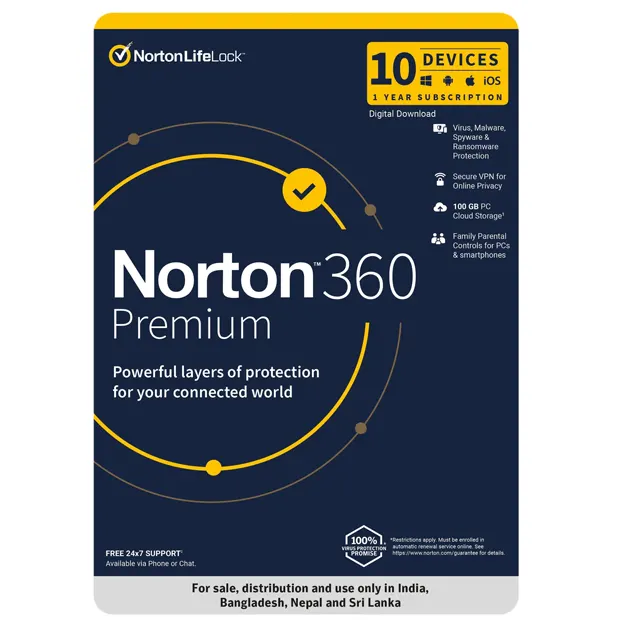
Leave your review
Customer Support Ease of Use Features Value for Money
Best prices

Get genuine software at unbeatable prices with maximum savings.

Quick delivery

Instant email delivery ensures fast and hassle-free product access.

Buyer protection

Secure payments and trusted licenses guarantee complete buyer protection.

Live support

24/7 expert support available to assist you anytime, anywhere.

    Gigamart Store . All rights reserved.

    0
    0
    Your Cart
    Your cart is emptyReturn to Shop

    Ask a Question