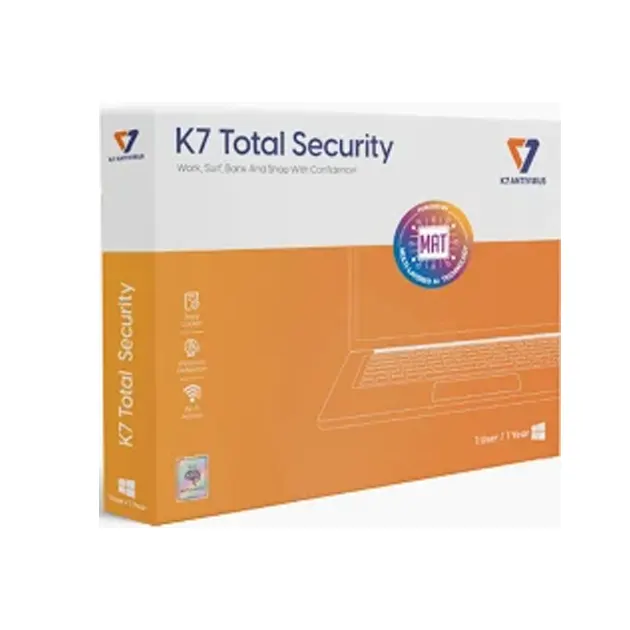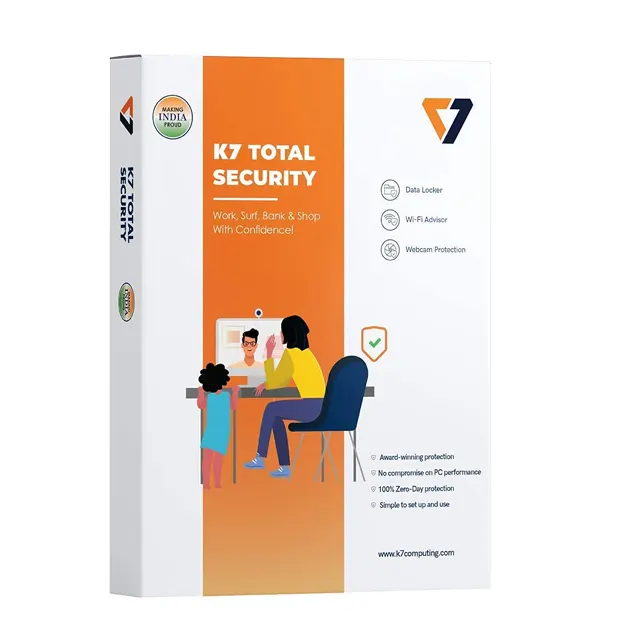
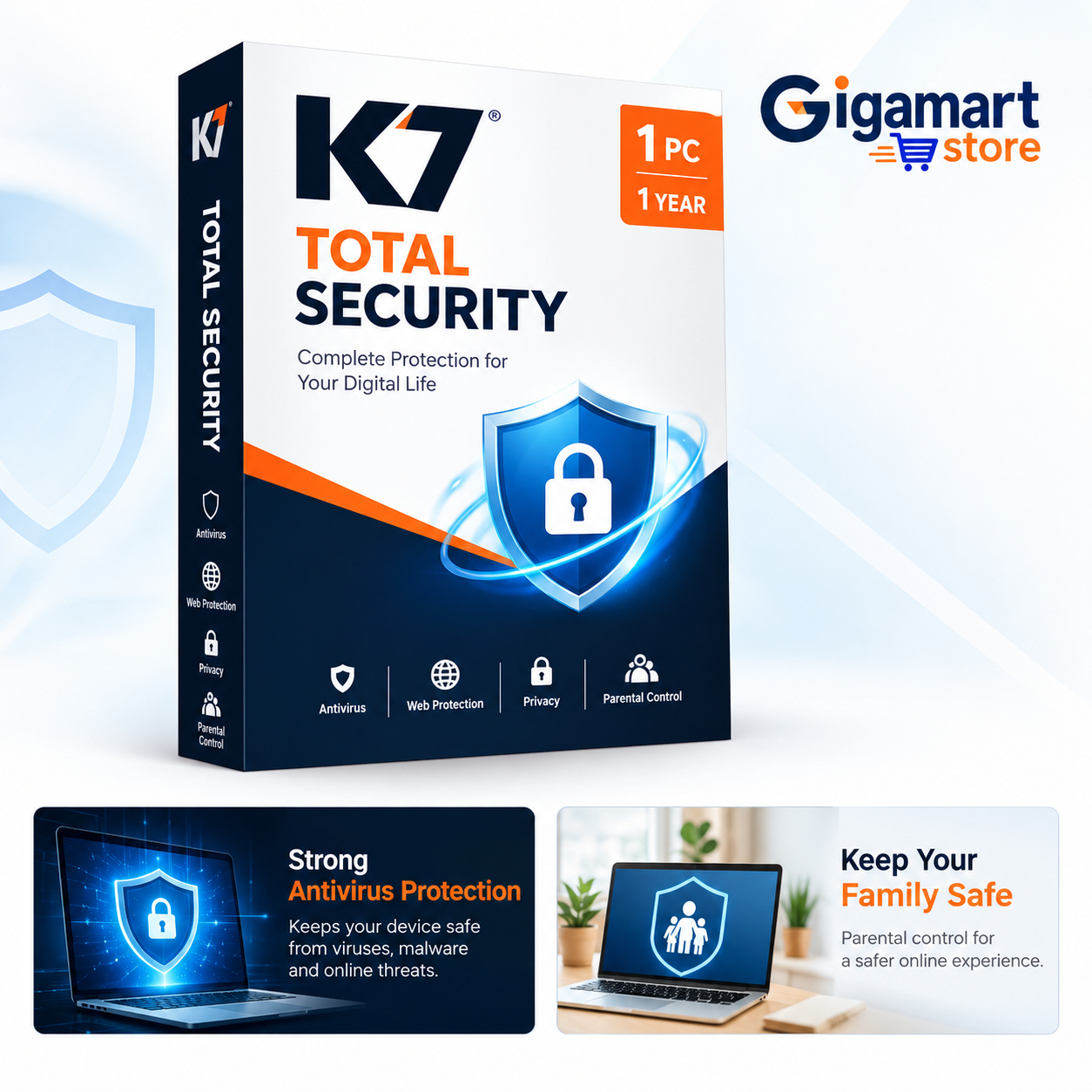


K7 Total Security — 1 PC, 1 Year

Starting Price:
Original price was: ₹2,100.00.Current price is: ₹299.00.86% OFF

K7 Total Security is a powerful antivirus solution that ensures real-time protection, optimal performance, and decades of cybersecurity expertise.

Delivery mode : Instant Delivery via Email

Availability : 19 in stock

20,000+ HAPPY CUSTOMERS

Guarantee safe & secure checkout
K7 Total Security

K7 Total Security is a powerful antivirus solution that ensures real-time protection, optimal performance, and decades of cybersecurity expertise. With advanced security features, it provides a seamless, secure, and high-performance experience for users worldwide.

Key Benefits of K7 Total Security
 1. Realtime Protection
  • Instant Threat Detection – K7 Total Security continuously scans and eliminates malware, viruses, ransomware, spyware, and phishing threats in real time.
  • Safe Browsing & Online Transactions – Stay protected while browsing, shopping, banking, and working online without worrying about cyber threats.
  • Automatic Updates – Regular database updates ensure you are always protected against the latest cyber threats.
2. Optimal Performance & Protection
  • Runs in the Background – K7 Total Security operates silently in the background without affecting your PC speed or performance.
  • PC Tune-Up & Optimization – Includes performance-enhancing features that help optimize your device, clear junk files, and improve startup speed.
  • Lightweight & Efficient – Unlike many security software programs, K7 ensures maximum protection with minimal system resource usage.
3. System Requirements for K7 Total Security
  • Supported Operating Systems:

    • Windows 11, 10, 8.1, 8, 7
  • Hardware Requirements:

    • 1 GB RAM (32-bit) / 2 GB RAM (64-bit)
    • 2 GB of free hard disk space
  • Other Requirements:

    • Active Internet connection (for activation and updates)
    • Administrator rights (required for installation)
🚀 Stay Secure with K7 Total Security!

K7 Total Security is your ultimate cybersecurity companion, providing seamless real-time protectionoptimized device performance, and trusted security backed by years of expertise.

K7 Total Security – Installation Guide & System Requirements

K7 Total Security by softwareswala offers complete protection against viruses, malware, ransomware, phishing attacks, and other online threats. It helps secure your computer while maintaining smooth and fast system performance for everyday use.

📥 Step 1: Download the Software
  • Visit the official K7 Total Security download page.
  • Select K7 Total Security and choose either the trial version or the full version.
  • Download and save the installer setup file on your computer.
⚙️ Step 2: Run the Installer
  • Open the folder where the setup file was downloaded.
  • Double-click on K7TotalSecuritySetup.exe to begin installation.
📑 Step 3: Follow the Installation Process
  • Click Yes when the User Account Control (UAC) prompt appears.
  • Select your preferred language.
  • Read and accept the License Agreement and Terms & Conditions.
  • Choose your installation type:

    • Standard Installation – Recommended for most users.
    • Custom Installation – Allows manual selection of installation options.
  • Click Install to start the installation process.
✅ Step 4: Complete the Installation
  • Wait while the software installs on your system.
  • Click Finish once the installation is successfully completed.
🔑 Step 5: Activate Your Product
  • Open K7 Total Security from the desktop shortcut or Start menu.
  • Enter your activation key if you purchased the full version.
  • Trial users can follow the on-screen instructions for activation.
🌐 Step 6: Update the Software
  • Check for the latest virus definition and security updates.
  • Run a full system scan to detect and remove existing threats.
💻 System Requirements
  • Supported Operating Systems: Windows 11, 10, 8, and 7.
  • Minimum 2 GB RAM recommended.
  • At least 2 GB of free disk space required.
  • Stable internet connection for activation and updates.
🔒 Stay Protected with softwareswala

K7 Total Security delivers powerful real-time protection, secure browsing, ransomware defense, and advanced malware security to keep your device safe from all types of cyber threats.

Leave your review
Customer Support Ease of Use Features Value for Money
Does this security software provide data recovery options?
Lorem Ipsum is simply dummy text of the printing and typesetting industry. Lorem Ipsum has been the industry's standard dummy text ever since the 1500s, when an unknown printer took a galley of type and scrambled it to make a type specimen book.
Can I get a free demo or trial of this security software I am going to purchase?
How will I choose a K7 Total Security plan for myself?
Is K7 total security windows 10 available?
Can I use K7 total security for windows 7?

Description

K7 Total Security

K7 Total Security is a powerful antivirus solution that ensures real-time protection, optimal performance, and decades of cybersecurity expertise. With advanced security features, it provides a seamless, secure, and high-performance experience for users worldwide.

Key Benefits of K7 Total Security
 1. Realtime Protection
  • Instant Threat Detection – K7 Total Security continuously scans and eliminates malware, viruses, ransomware, spyware, and phishing threats in real time.
  • Safe Browsing & Online Transactions – Stay protected while browsing, shopping, banking, and working online without worrying about cyber threats.
  • Automatic Updates – Regular database updates ensure you are always protected against the latest cyber threats.
2. Optimal Performance & Protection
  • Runs in the Background – K7 Total Security operates silently in the background without affecting your PC speed or performance.
  • PC Tune-Up & Optimization – Includes performance-enhancing features that help optimize your device, clear junk files, and improve startup speed.
  • Lightweight & Efficient – Unlike many security software programs, K7 ensures maximum protection with minimal system resource usage.
3. System Requirements for K7 Total Security
  • Supported Operating Systems:

    • Windows 11, 10, 8.1, 8, 7
  • Hardware Requirements:

    • 1 GB RAM (32-bit) / 2 GB RAM (64-bit)
    • 2 GB of free hard disk space
  • Other Requirements:

    • Active Internet connection (for activation and updates)
    • Administrator rights (required for installation)
🚀 Stay Secure with K7 Total Security!

K7 Total Security is your ultimate cybersecurity companion, providing seamless real-time protectionoptimized device performance, and trusted security backed by years of expertise.

Leave your review
Customer Support Ease of Use Features Value for Money
0
    0
    Your Cart
    Your cart is emptyReturn to Shop

    Ask a Question